SocialArchive + Canva: Turn Archive Content into Beautiful Designs
Your archive content. Your brand. Beautiful designs, faster than ever.
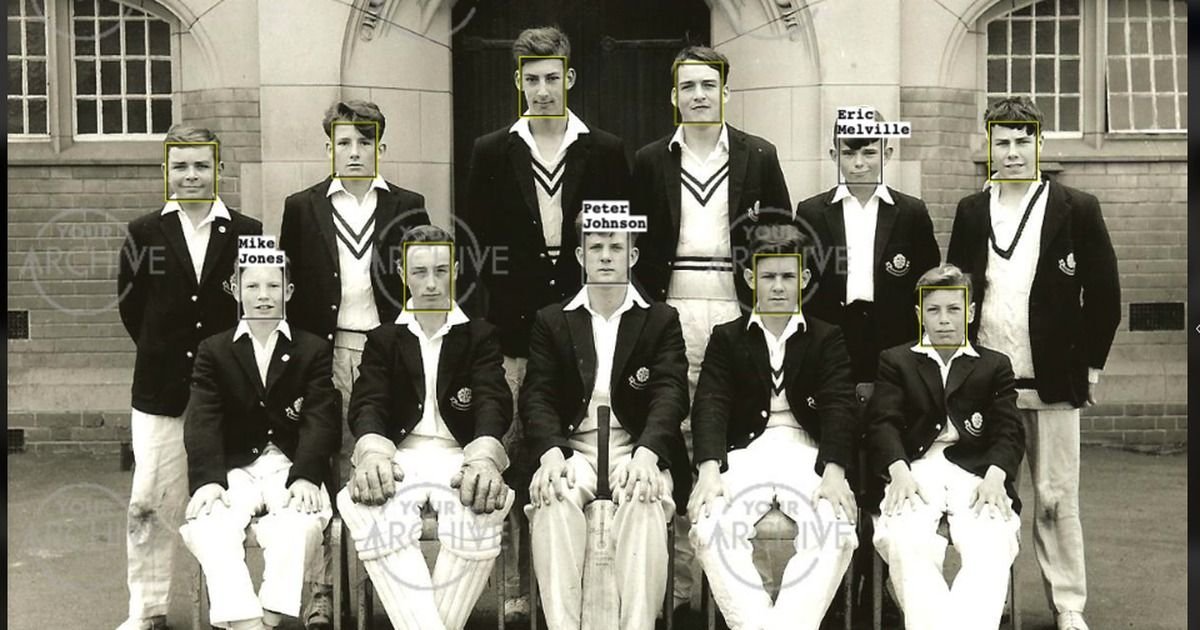
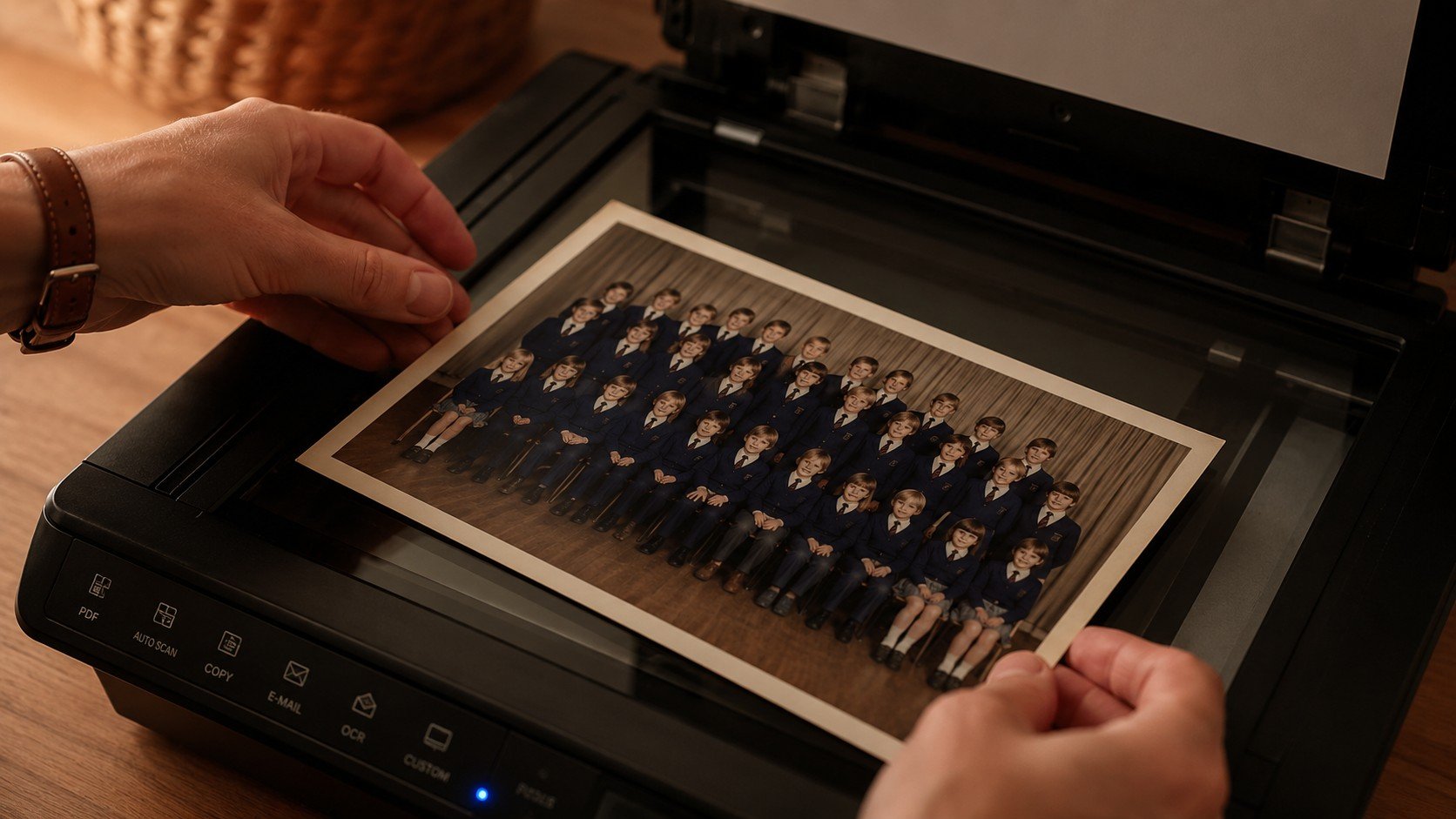
Schools, colleges and universities are sitting on an extraordinary amount of content. Decades of photographs, alumni memories, student achievements, videos and stories that capture the life of the institution.
The challenge has never been a lack of content. The challenge has been turning that content into something useful.
That's why we're excited to announce that SocialArchive now integrates with Canva, making it easier than ever to move archive content into the designs your teams create every day.
Bring Your Archive Straight into Canva
The new integration allows you to push content directly from SocialArchive into your Canva account. From there, you can drop it into your existing templates, apply your branding and create polished communications in minutes, whatever you’re producing.
Why This matters
Until now, using archive material in everyday communications often meant downloading files, searching through folders, sending requests to the archivist, re-uploading assets and hoping everyone was working from the latest version.
Across marketing, development, admissions and communications teams, those small frustrations quickly add up.
With the Canva integration, that friction disappears.
Your archive and your design tools now work together, making it easier for every department to create professional, on-brand communications without the faff.
Just as importantly, it means the full breadth of your archive becomes genuinely usable for everyday communications, not just the handful of images someone happens to remember.
Whether it’s a photograph from 1987, the video from last term’s production, the alumni story collected during your last reunion, or the image of the old science block before it was rebuilt, they’re all ready to become part of your next campaign.
What Does It Look Like in Practice?
A development office preparing a fundraising appeal can pull a powerful archive photograph directly into a Canva template without breaking their workflow.
An admissions team creating a prospectus can instantly access years of authentic school-life imagery.
An archivist supporting a milestone anniversary can quickly find historic photographs and add anniversary branding in minutes.
A marketing team producing social content can turn stories and images into engaging posts without having to chase files across shared drives.
Schools and universities have amazing stories to tell, whether they happened a hundred years ago or just last week. With Canva integration, we've made it easier than ever to tap into those stories, helping schools create content that is both authentic and beautifully designed, in a fraction of the time.
Jamie Robertson
Managing Director, SocialArchive
Getting started
If you're already a SocialArchive user, connecting your Canva account takes just a few minutes:
Log into your archive and select Connectors from the top menu
Select Canva from the left-hand options
Follow the on-screen instructions to connect your account
Once connected, you can push content to Canva individually or in batches. To push multiple items, select them using the circle icon on each thumbnail, then click the Canva icon in the action menu. To push a single item, open it in expanded view, go to the Details tab and click the Canva icon. Your content will then appear in Projects > All Projects > Images inside your Canva account.
If you need any help getting set up, email us at support@socialarchive.com.
Not yet using SocialArchive?
If you're not yet on the platform, the Canva integration is just one example of how SocialArchive helps schools and universities turn their history and their present-day stories into something active and valuable. Get in touch to find out more or book a demo here.
Recent articles: